Every effect here is the same underlying structure: for each checkbox, compute a number, threshold it to on/off. The interesting part is what function you use to compute the number. Pure math, no textures, no precomputed lookup tables, just trig per cell per frame.
Spirals Link to heading
Four modes that cycle automatically:
- Rotating logarithmic spiral: for each cell, convert to polar coordinates, check whether the angle offset by time falls inside the spiral arms.
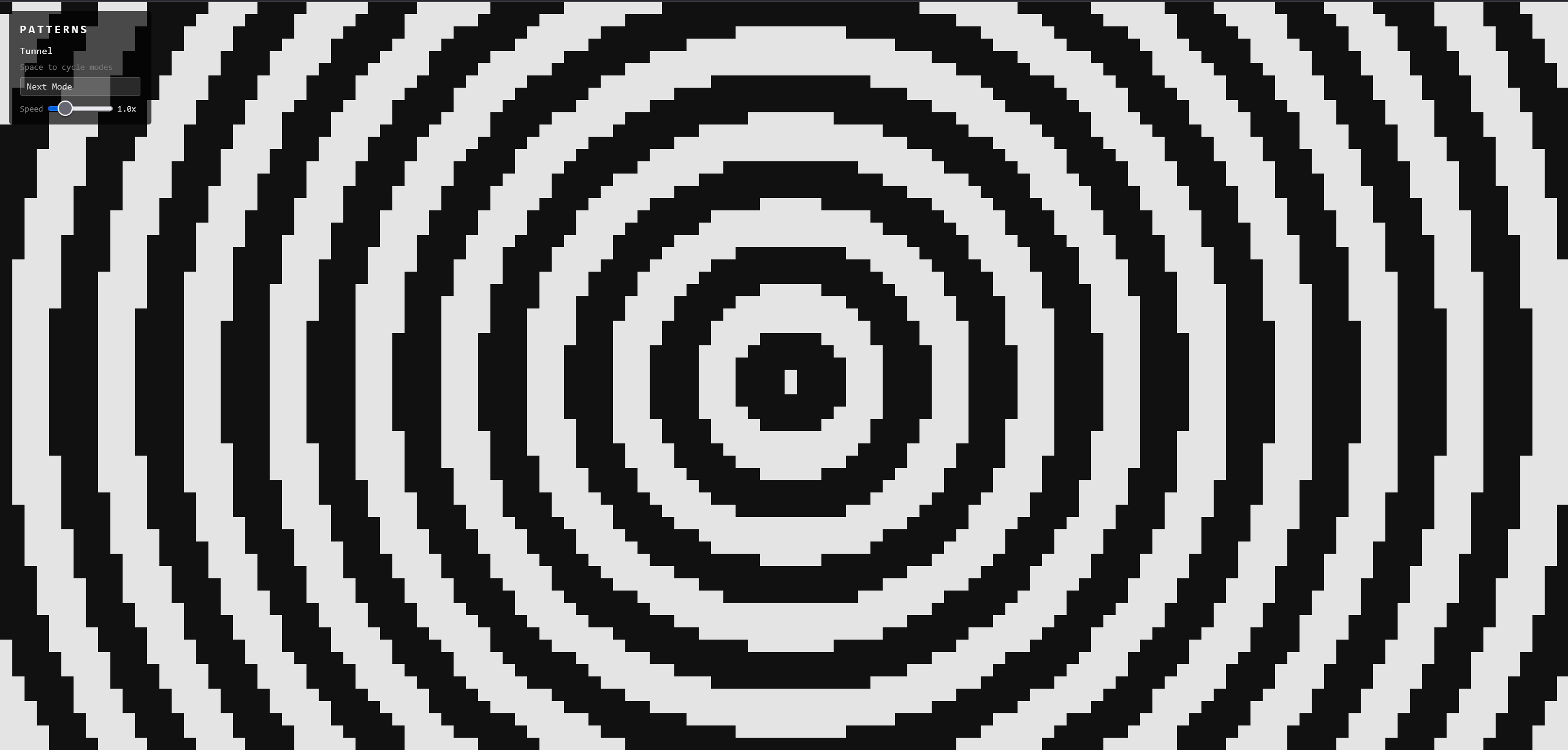
- Inward-zooming tunnel: concentric rings that collapse toward the center, infinite zoom effect, no state other than time.
- Moiré rings: two offset ring systems that interfere with each other as they drift.
- Counter-rotating radial fans: two sets of wedges rotating in opposite directions, the overlap pattern rotates at a third implied speed.
The logarithmic spiral mode is the one worth watching in particular. Let it run for a few cycles.
Wave Interference Link to heading
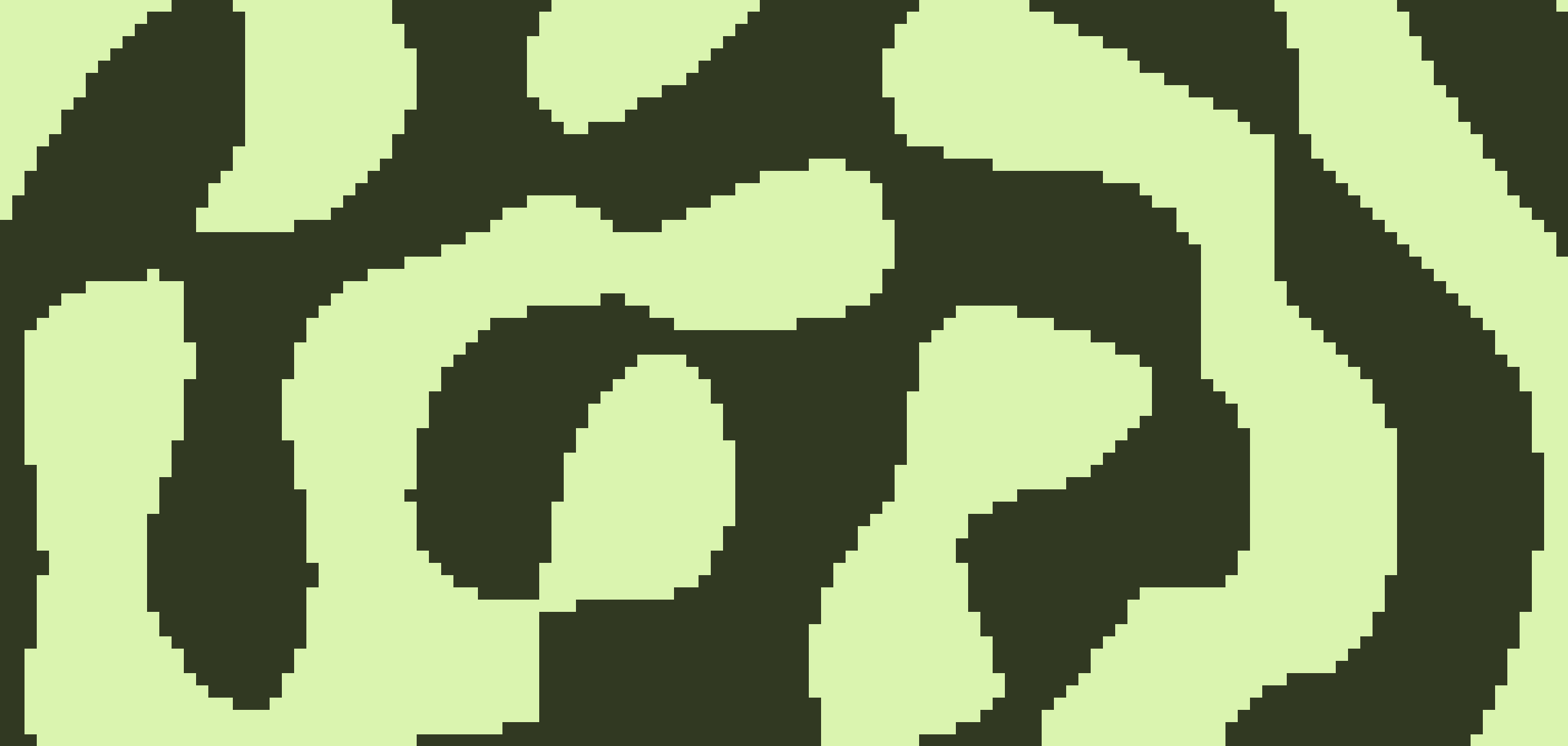
You saw a two-source version of this at the top of the page. The full demo runs four wave sources drifting independently on Lissajous paths. Their combined interference pattern is thresholded to 1-bit. Each source contributes a sin(distance - time * speed) term; sum them and check the sign.
Because the sources follow incommensurate frequencies, the pattern never exactly repeats. The moiré-like structures constantly shift and reorganize. It looks more complicated than it is, which is the most reliable way to make something look impressive.
Mandelbrot (interactive) Link to heading
The Mandelbrot set rendered in 1-bit. Each checkbox corresponds to a point in the complex plane. The standard escape-time algorithm runs up to a fixed iteration count; if the orbit escapes (magnitude exceeds 2), the cell is unchecked. If it doesn’t, it’s checked.
Controls: click to zoom in on that point, right-click to zoom out, R to reset.
At low zoom levels it looks like outsider art. At high zoom levels it still looks like outsider art, in a way that seems philosophically appropriate. The 1-bit constraint strips away all the gradients that usually make Mandelbrot renders look impressive, leaving just the set boundary in raw jagged form. It’s more honest.
Performance degrades at high zoom because iteration counts go up. Zoom in anyway.
Fireworks Link to heading
Particle simulation. Each burst spawns a cluster of particles with randomized velocity vectors. Each particle follows a ballistic arc (gravity applied each frame), fades by reducing its checked probability over time and getting unchecked when that threshold is crossed.
Surprisingly satisfying. Something about the coarse pixel size makes the arcs read clearly without needing antialiasing.
The Matrix Link to heading
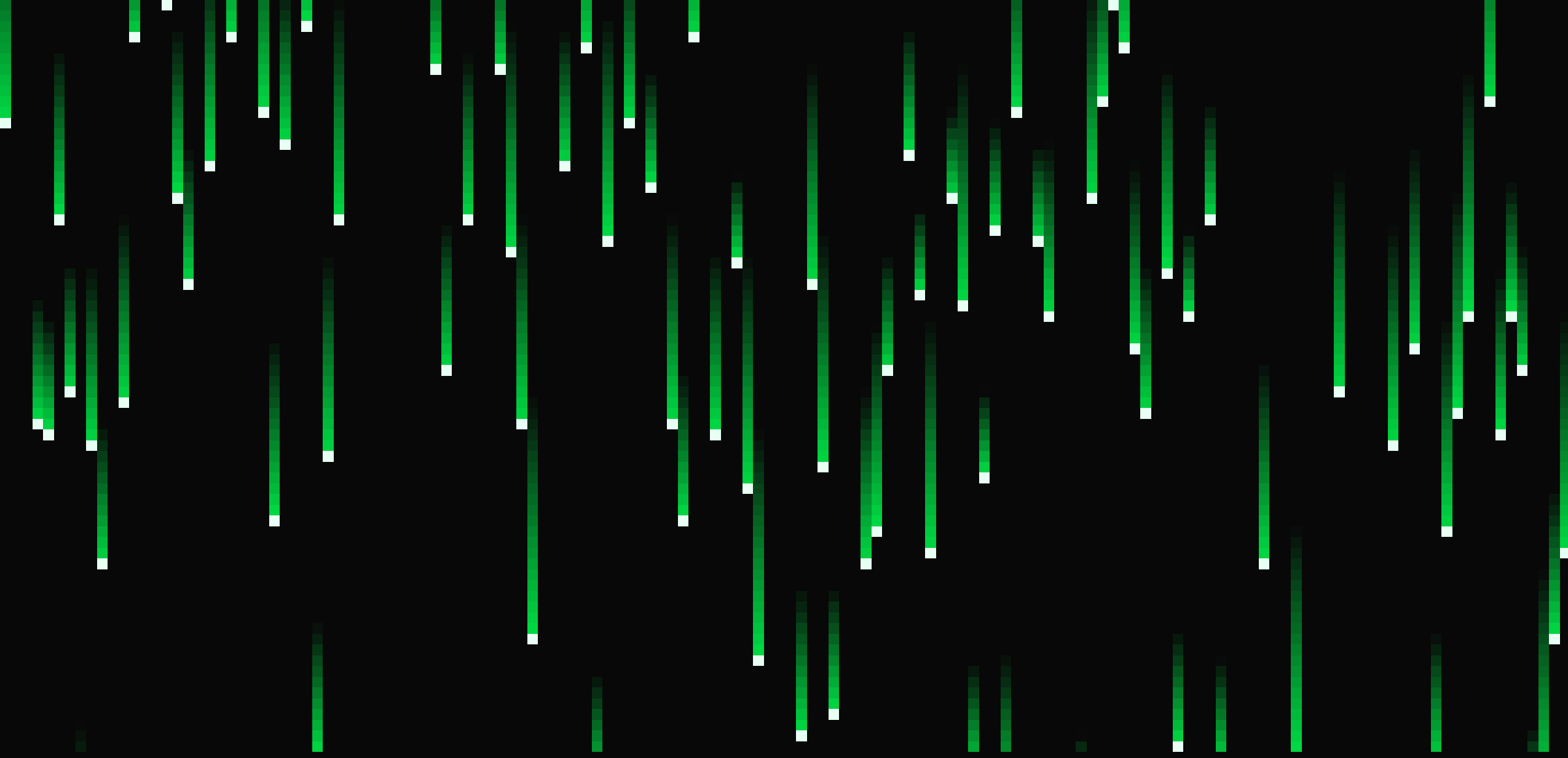
Falling columns of checked checkboxes. Each column runs an independent drop with a bright head and a trail of 12 to 31 cells behind it. The trail fades via a CSS keyframe animation with a duration calculated from the trail length and drop speed. When the tail clears the bottom, the column resets from the top.
Less “bullet time,” more “budget cosplay.” Still looks like what it’s supposed to look like, which continues to be a minor miracle.
Ripples Link to heading
A 2D wave equation simulation using the finite-difference method. Random drops land on the surface and produce concentric ripples that propagate outward, reflect off the edges, and interfere with each other. The checkbox grid thresholds the wave amplitude: checked where the water is above a certain height, unchecked where it isn’t.
Looks like rain hitting a puddle, viewed from above.
Raindrops Link to heading
The other rain demo, and meaningfully different. This one is a proper particle simulation: individual drops track their column position, fractional row, and speed (1–3 cells per tick, accumulated so faster drops skip rows smoothly). When a drop hits the bottom it spawns a short horizontal splash pattern (±1 and ±2 columns, 3 frames). The landing cell leaves a puddle that fades over 10 ticks.
Rendering is diff-based: the previous frame’s active cells are tracked in a Set so only changed cells get DOM writes. That makes it considerably faster than naively writing every cell every frame.
The intensity slider on the HUD controls how many new drops spawn per tick as a fraction of column count.
Wave Link to heading
Multiple circular wave sources drift across the viewport. Each cell computes the superposition of sine waves from all sources; positive amplitude = checked, negative = unchecked. The moving sources create shifting interference patterns as they constructively and destructively combine.
Random Noise Link to heading
Picks a fixed number of random checkboxes each frame and flips their state. No state beyond the checkboxes. Pure entropy.
Marquee Link to heading
Scrolling text in the same 5x7 pixel font as the clock. The text shifts one column left per frame, wrapping around.
DVD Link to heading
The bouncing DVD logo. It hits the corner eventually. You’re welcome.
Part of the Checkbox Canvas series. See also: Simulations, Games, Images & Video.